Best Minecraft Optimization Mods (2025-2026 Edition)

Imagine standing atop a towering mountain in your favorite Minecraft world, only to have the majestic view ruined by a slideshow of stuttering frames and a laptop that sounds like it is preparing for liftoff. For many players, the struggle against the lag monster is a core part of the experience, where the thrill of exploration is constantly stifled by the limitations of an aging rendering engine. In 2025, the demand on our systems has never been higher, yet vanilla Minecraft still relies on decade-old code that leaves your high-end cpu and graphics card sitting idle while your fps plateaus.
The digital landscape of Minecraft mods has shifted from a luxury to a technical necessity for anyone seeking a professional gameplay experience. We have entered an era where good enough is no longer the standard; players now demand instantaneous world generation, buttery-smooth refresh rates, and the ability to run heavy shaders without a total system meltdown. This guide is not just a list of downloads; it is a blueprint for a total optimization overhaul that bridges the gap between your hardware's potential and the game's outdated architecture.
Whether you are a seasoned veteran looking to optimize a massive Minecraft server or a beginner trying to make the game playable on a budget laptop, the solutions lie in a new generation of optimization tools. By moving away from the all-in-one relics of the past and embracing a modular ecosystem built on the fabric loader, you can reclaim your resources. This is how we fix the bugs, eliminate the memory leaks, and finally achieve the performance that 2025 technology promises. Let us dive into the technical steps to get better performance and as much speed as your memory can handle.
Why Technical Optimization is Required Today
The world of Minecraft mods has grown significantly over the years. Every new update adds more blocks and complex world generation. While these features are fun, they put a lot of pressure on your cpu and your graphics card. Even if you have a powerful computer, you might notice that the game does not run as well as it should on default settings. The Java version of the game is notorious for being inefficient with how it uses cpu cores.
In 2025, the standard for optimization has changed. We no longer just want a small jump in speed. We want the world to load instantly, and we want to use shaders without our computers overheating. Optimization tools allow you to use your hardware to its full potential. They rewrite how the client handles rendering on your screen and how it allocates resources in the background.
The Foundation: Choosing the Right Mod Loader
For many years, OptiFine was the only name people knew. However, as of 2025, it often takes a long time to update and has many bugs. The community has shifted toward the fabric loader. This mod loader is known for being very fast and lightweight.
Most of the best optimization mods today are built for Fabric because it allows developers to optimize the game at a deep level. This results in a better client experience, faster load times, and much higher fps. If you are looking for the modern way to play, the fabric loader is the foundation you need. While some players still use forge modpacks, the fabric ecosystem currently offers the most compatible rendering optimization mod options for 2025.
The Strong Analysis: Top 10 Best Optimization Mods in 2025
Here are the most effective mods available today to optimize your game and improve server performance. These tools are selected based on technical stability and their ability to handle the 2025 Minecraft landscape.
Sodium (The Industry Standard)
Sodium remains the most important optimization mod for Minecraft. It replaces the entire rendering engine of the game. In 2025, it is a factual certainty that sodium provides a massive boost compared to vanilla Minecraft. It uses modern techniques to reduce the work your cpu has to do. You can download it to see your frame rate double instantly. It fixes the way the game communicates with your graphics card, making it the gold standard for rendering.
Lithium (Logic Optimization)
While Sodium helps your graphics, lithium helps the internal logic. It is a general-purpose optimization mod that targets mob AI, game physics, and block ticking. The latest 2025 version of lithium uses better logic to spread the load across your processor. This significantly reduces lag on both the client and a minecraft server. By optimizing the tick system, it ensures the game runs smoothly even when hundreds of entities are moving.
Nvidium (The GPU Powerhouse)
If you have an Nvidia graphics card, Nvidium is the most powerful optimization mod for Minecraft in 2025. It uses mesh shaders to render the world. This allows you to have a render distance of 64 or even 128 chunks while maintaining a high fps. It is a client-side miracle for exploration. It essentially rewrites the rules of rendering for Nvidia users, pushing the game to limits we never thought possible.
VMP (Very Many Players)
VMP is an optimization mod designed specifically for servers and large multiplayer worlds. It improves server performance by optimizing how the game handles many players and entities at once. If you are playing on a Minecraft server with friends, this mod is essential to reduce network lag. It streamlines the way packets are sent, ensuring that everyone has a stable experience without "rubber-banding."
MemoryLeakFix (System Stability)
As the name suggests, this mod targets memory leaks in the Java code. In 2025, Minecraft can still be messy with how it handles memory. This mod ensures that RAM usage stays low over long play sessions, preventing the game from slowing down after an hour of play. It is a vital tool for long-term stability, especially if you play with many other mods.
FerriteCore (RAM Reduction)
Memory usage is a major bottleneck. FerriteCore is a memory optimization tool that reduces memory usage by up to 50 percent. It addresses memory leaks and ensures your RAM is used efficiently. It is one of my favorite performance mods because it works so well on low-end machines. Optimizing how block models are stored in memory, it frees up RAM for other essential tasks.
ThreadTweak (CPU Management)
ThreadTweak allows you to tweak settings for how Minecraft uses your cpu cores. It gives the game higher priority in your operating system, ensuring that background apps do not steal resources. This results in a much smoother gameplay experience with fewer stutters. It is particularly helpful for users who like to record their gameplay or stream while they play.
ModernFix (The All-In-One Fixer)
ModernFix is an all-in-one mod that provides memory usage optimizations and code fixes. It helps the game achieve a smooth boot and significantly improves load times. It is essential for fabric setups where compatibility with other mods is a priority. It fixes everything from slow resource loading to inefficient model baking.
ImmediatelyFast (Entity Batching)
This mod focuses on the GUI and entities like XP orbs, signs, and mobs. It uses a compatible rendering optimization mod technique called batching. This ensures that having hundreds of items in a room does not cause your fps to drop. It is a must-have for anyone who builds massive mob grinders or complex storage systems.
Indium (Compatibility Layer)
While not a direct speed mod, Indium is required to make sodium work with other mods that use the Fabric Rendering API. If you use connected textures or complex Minecraft mods, Indium ensures everything stays compatible while keeping your performance high. It is the bridge that allows you to have a beautiful game without sacrificing speed.
How to Install and Optimize Your Experience
To install these mods safely in 2025, follow these steps to ensure compatibility and peak performance:
- Download a Launcher: Use a tool like Prism or Modrinth that supports the Fabric Loader for easy installation. These launchers allow you to manage different versions and configs easily.
- Check Memory: Open your system settings to see how much RAM you have. If you have enough, you can give the game more RAM in the launcher settings. Generally, 4GB to 6GB is the sweet spot for 2025.
- Compatibility Testing: Always perform testing when adding other mods. Some mods might break compatibility if they try to change the same parts of the rendering engine.
- Java Settings: Make sure you are using a modern version of Java (like Java 21). This helps with garbage collection, which is the process of cleaning up unused memory. Better garbage collection means fewer stutters while you play.
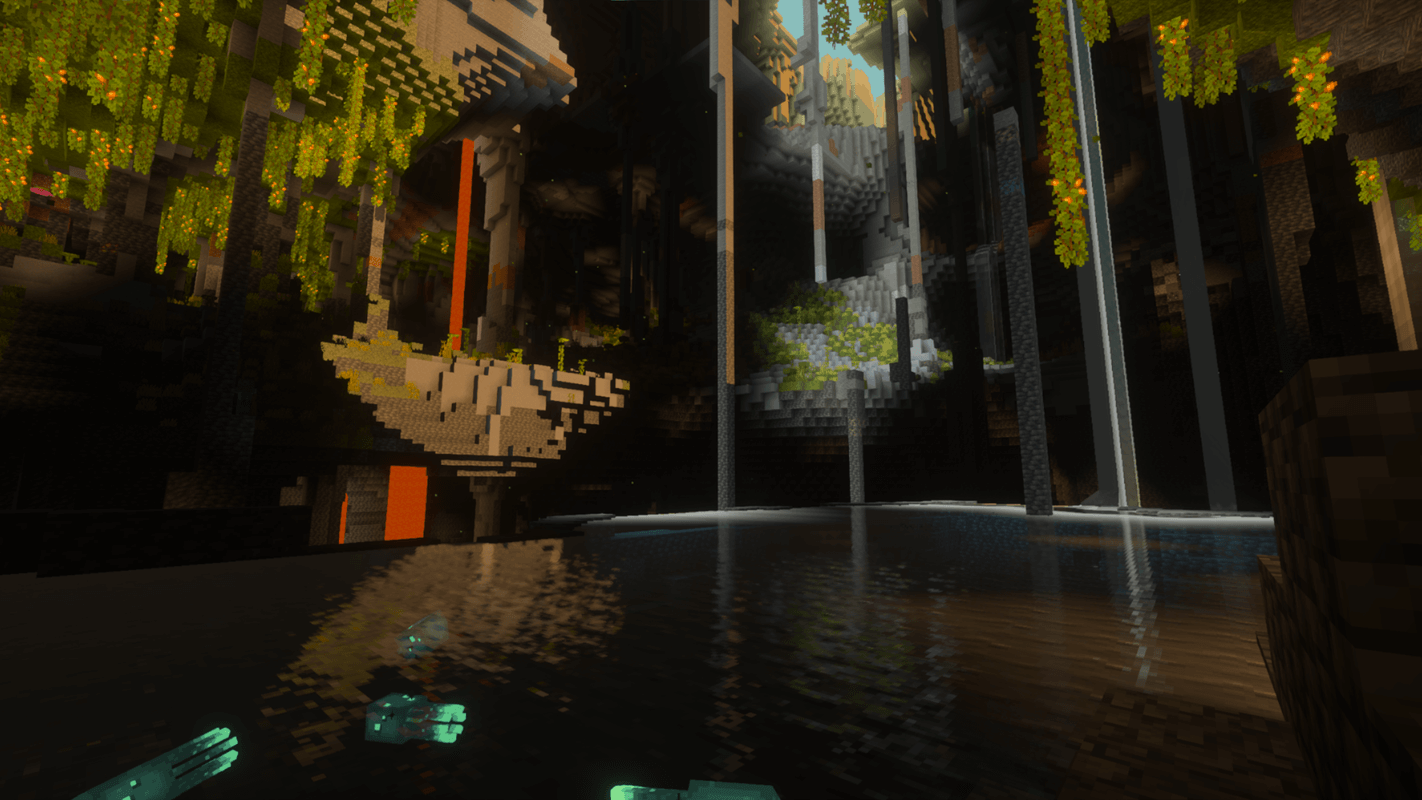
- Shaders: If you use shaders, ensure they are compatible with Sodium. You can often run the same shaders with much better speed using the Iris mod. Iris is a client-side mod that allows for incredible visuals at high fps.
Server Performance and Stability
If you run a Minecraft server, optimization is even more important because one player's lag can affect everyone. Using lithium and VMP on servers can improve server performance by reducing the time it takes to process a tick. This allows more players to join without causing the world to slow down.
Many servers in 2025 also use memory usage and fixes to prevent crashes. Large-scale mob grinders can create thousands of xp orbs, which usually causes a massive drop in performance. Mods like Entity Culling and ImmediatelyFast are essential here to ensure the server can handle the load. Proper configuration of these mods ensures that the gameplay remains fair and smooth for every user.
Advanced Tweaks and Configuration
For those who want to push their systems to the absolute limit, you can tweak settings within the mod configs.
- Sodium Settings: You can adjust the Cloud Quality and Entity Distance to find the perfect balance between looks and speed.
- Lithium Configuration: Most of the lithium optimizations are on by default, but you can check the configuration files to see if any specific fixes need to be adjusted for your specific hardware.
- Dynamic FPS Settings: You can choose exactly how much the game slows down when it is in the background. If you have a high refresh rate monitor, you might want to keep it a bit higher even when multitasking.
Conclusion
Whether you are playing on a high-end computer or a budget laptop, optimization mods are the key to a better experience. By using the fabric ecosystem and tools like sodium and lithium, you can optimize every part of the game. These fixes and features allow you to enjoy Minecraft without worrying about bugs or slow speeds.
The community continues to create new ways to make this game better every day. In 2025, we have reached a point where even the most complex forge modpacks can run smoothly if the right optimization tools are used. Download these mods today, follow our installation guide, and see the difference for yourself. A lag-free world is just a few clicks away.