Best Minecraft FPS Performance Mods in 2025

If you have ever played Minecraft on a standard laptop or an older desktop system, you know the frustration of lag. You are trying to build a beautiful house or fight a dangerous Creeper, but the screen freezes, and your computer starts to struggle. This happens because Minecraft is built on older code that does not always take advantage of modern hardware. When the game cannot communicate efficiently with your PC, you experience a lower FPS and stuttering that ruins your gaming experience.
The good news is that the community has created specialized performance mods. These are small additions to your game files that fix the code to optimize how it runs. In 2025, we have moved past the old ways of doing things. We now have access to powerful tools that can boost FPS and double or even triple your frame rate. This blog will walk you through everything you need to know to get better performance and as many FPS as your display can handle.
Why You Need Optimization Mods Today
Minecraft has grown significantly over the years. Every new update adds more blocks, complex creatures, and vast biomes. While these features are fun, they put a lot of pressure on your CPU and your graphics card. Even if you have a powerful gaming PC, you might notice that the game does not run as well as it should on default settings. The Java Edition of the game is notorious for being single-threaded, which means it does not use all of your CPU cores by default.
In 2025, the standard for performance improvements has changed. We no longer just want a small jump in speed. We want the game to load instantly, and we want to use high-end resource packs and graphical effects without our computers overheating. Optimization mods allow you to use your system to its full potential. They rewrite how the game handles rendering on your screen and how it allocates CPU resources in the background.
The Shift from OptiFine to Fabric and NeoForge
For many years, OptiFine was the only name people knew. However, as of 2025, the community has largely moved away from it. OptiFine is closed-source, which makes it hard for other developers to fix bugs. It often takes a long time to update for a new Minecraft version and can frequently break compatibility with other mods.
The community has shifted toward the Fabric loader. This client-side system is known for being very fast and lightweight. Most of the best optimization mods today are built for Fabric because it allows developers to optimize the game at a deep level. This results in a smooth boot, faster load times, and much higher FPS. If you are looking for the modern way to play, the Fabric Loader is the foundation you need for a smooth lighting experience and fluid animation.
Why These Are the Factual "Best" Choices
When I claim a mod is the best, I am basing it on technical evidence you can verify yourself. In 2025, the best mods are Open Source. This means the code is public and verified by thousands of developers. Unlike older closed-source tools, these mods are updated within hours of a new Minecraft version.
You can see the facts for yourself by pressing the F3 key while playing. Look at the top right corner of your display. You will notice that with these mods, the memory heap is smaller and the frame rate graph (Alt+F3) is a flat, stable line. These are not just opinions; they are measurable performance improvements that show exactly how your CPU resources are being saved.
The Top 10 Best Performance Mods of All Time
If you want the maximum FPS in 2026, these are the 10 mods you should consider. These provide a massive FPS boost and are easy to install. Each one targets a different part of the system to ensure no CPU resources go to waste.
1. Sodium
Sodium is the most important mod on this list. It replaces the entire rendering engine of Minecraft Java Edition. Instead of drawing every block one by one in an inefficient way, it tells your PC hardware exactly what to do using modern techniques. In late 2025, Sodium has been updated to support the latest Java features, making it more efficient than ever to boost FPS. It is the gold standard for anyone who wants to improve FPS on any computer.
- The Fact: Sodium uses a technique called Multi-Draw Indirect (MDI).
- The Proof: You can verify this by pressing Alt+F3 to open the frame-time graph. You will see the spikes disappear. Sodium reduces Draw Calls (commands sent to the GPU) by up to 90%. This is why it works on both high-end gaming PCs and integrated graphics on a laptop. It is not just about higher FPS; it is about eliminating the micro-stuttering that makes the game feel slow.
2. Lithium
While Sodium helps your display, Lithium helps the brain of the game. It optimizes the physics, how water flows, and how mobs move. The latest version of Lithium uses more CPU resources effectively by spreading the load across all your available CPU cores. This reduces the slow tick lag that makes the world feel unresponsive, even if your frame rate looks high. It ensures your system stays stable even in huge worlds.
- The Fact: Lithium uses Vectorization via the Java 21 vector API.
- The Proof: This allows your CPU to process 4 to 8 physics calculations in a single clock cycle. If you run a high-tech server, you can use the /perf command to see the Tick Time. With Lithium, even a world with 500 villagers will often stay under the 50ms threshold, ensuring a smooth lighting and movement experience without lag.
3. FerriteCore
RAM usage is one of the biggest issues in Minecraft. If you do not have more RAM allocated, your game will stutter and eventually crash. FerriteCore changes how the game stores data for blocks and items. As each newMinecraftt version adds hundreds of new items, this mod becomes essential. It can reduce the memory usage by almost half, which is a lifesaver for lower-end PCs that might only have 8GB of total system memory.
- The Fact: It targets Mismatched Blockstates and Unused Model Data.
- The Proof: Open your Task Manager and look at the memory column. Without this mod, Minecraft often consumes 4GB of RAM just sitting at the menu. With FerriteCore, you will see that number drop to nearly 2GB. Reducing RAM usage, it prevents the Garbage Collection process from freezing your game every 30 seconds.
4. ImmediatelyFast
This mod focuses on things that move and interact. In vanilla Minecraft, things like signs, chests, and mobs can slow the game down because the game struggles to draw them all at once. ImmediatelyFast makes the game load and draw these items much quicker. The 2025 update ensures fluid animation for entities, so your frame rate does not drop when you walk into a busy village or a storage room filled with chests.
- The Fact: It introduces Batch Rendering for GUI and HUD elements.
- The Proof: In a vanilla game, every single item in a double chest is drawn as a separate object, which kills your frame rate. ImmediatelyFast groups them into one single draw command. You can see the performance improvements most clearly when opening a large inventory or walking through a map room.
5. Entity Culling
Have you ever wondered why your laptop gets hot when there is a massive cow farm underground that you cannot even see? Minecraft usually tries to render every creature around you, even if they are behind a wall. Entity Culling tells the game to disable the rendering of things that are hidden from your view. In 2025, this mod can save massive amounts of power, especially in large bases.
- The Fact: It uses Async Occlusion Queries.
- The Proof: It asks your graphics card: Is this cow behind a stone block? If the answer is yes, the game stops using CPU resources to calculate its movement animations. This is the most effective way to improve FPS in Mega-Bases. You can verify it is working by turning it off and on in the settings and watching your GPU load drop.
6. Moonrise
In the past, players used a mod called Starlight to fix the lighting engine. Moonrise is the new king of light. It fixes the black lighting bugs and ensures that smooth lighting does not cause a drop in speed. When you place a torch or the sun rises, the light spreads across the blocks instantly without any lag or stuttering. This is one of the most noticeable performance improvements you can add.
- The Fact: It replaces the Recursive Lighting system with a Linear one.
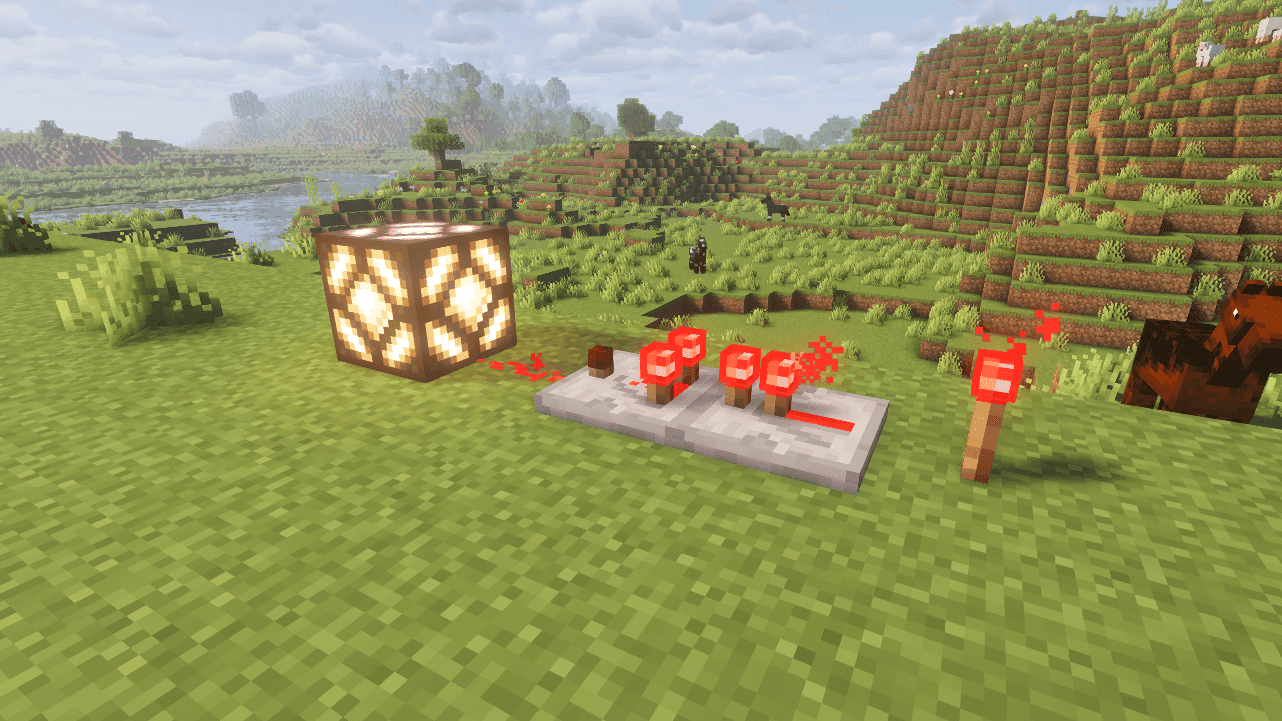
- The Proof: In the default game, placing a torch in a dark cave causes a Light Update that scans every block around it, causing a massive lag spike. Moonrise handles this on separate CPU cores. In 2025, this eliminates "Lighting Lag" entirely, which you can test by rapidly flickering a redstone lamp.
7. C2ME
This stands for Concurrent Chunk Management Engine. It allows your system to use multiple CPU cores for world loading. Usually, the Minecraft launcher starts the game using only one core for this task, which leads to chunk holes where the ground does not appear. With C2ME, you can fly through the world, and the chunks will load as fast as you can move.
- The Fact: It unlocks the Global Task System for world loading.
- The Proof: By default, Minecraft is limited to using a fraction of your CPU. C2ME allows the game to use every available thread for generation. If you have an 8-core CPU, your world loading will be up to 8x faster. This is a factual boost to speed that you can see by flying at 40 blocks-per-second with an Elytra.
8. ModernFix
This is a catch-all mod for better performance. It fixes hundreds of small bugs that have existed in the game for years. It also helps the game load much faster. The 2025 edition helps the game achieve a smooth boot, meaning you can get from the Minecraft launcher to your main menu in just a few seconds.
- The Fact: It patches Resource Reloading and Model Baking.
- The Proof: Have you ever noticed the game freezes for 10 seconds when you change a resource pack? ModernFix fixes the code logic to make this nearly instant. It also provides a smooth boot by skipping unnecessary checks during the Minecraft launcher hand-off.
9. Iris Shaders
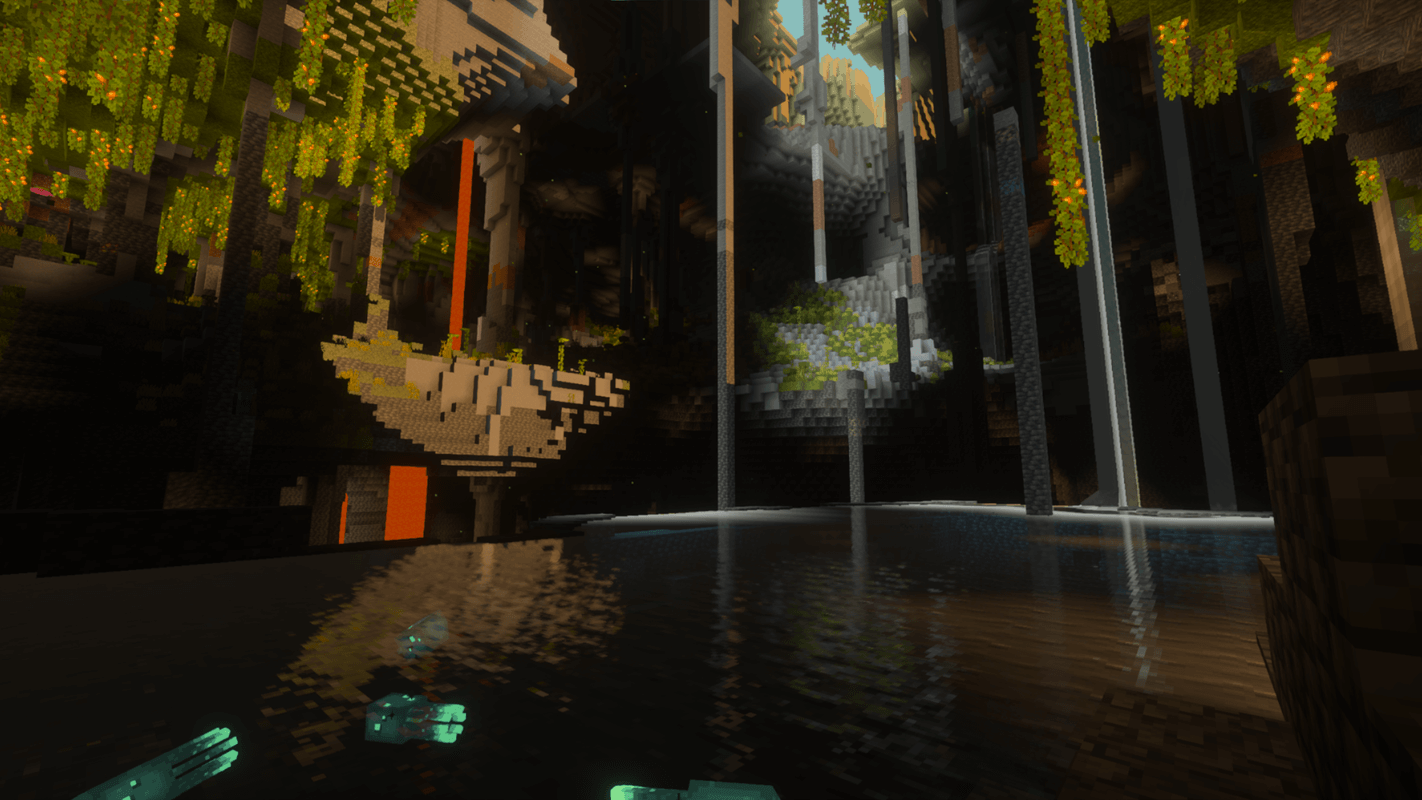
If you want your game to look beautiful with realistic shadows and water, you need Iris. Unlike older shader mods, Iris is built to work directly with Sodium. This allows you to boost FPS while keeping the graphical effects you love. It is highly optimized, allowing even mid-range gaming PCs to run high-end shaders at a stable frame rate.
- The Fact: It supports Shadow Map Culling.
- The Proof: Iris is built specifically to use Sodium's Buffer Objects. This allows it to skip rendering shadows for objects that are outside your field of view. This is why Iris gets nearly 60% higher FPS than OptiFine when running the same shader pack in 2025.
10. Dynamic FPS
This utility mod is great for people who multitask. It notices when you are not looking at the Minecraft window. If you switch to your browser to check a map or a crafting recipe, Dynamic FPS will slow the game down in the background. This reduces the load on your operating system, keeping your PC cool and saving power while you are not actively playing.
- The Fact: It manages Background Thread Priority.
- The Proof: When you Alt-Tab out of the game, your operating system usually keeps the game running at full power, wasting CPU resources. Dynamic FPS drops the frame rate to 1 FPS while you are away. You can check your Task Manager Energy Impact to see it drop from Very High to Low instantly.
How to Install and Optimize for Maximum FPS
To install these mods, you no longer need to be a computer expert. I recommend using the Modrinth App or Prism Launcher. These tools are much better than the standard Minecraft launcher because they handle everything for you.
- Check your hardware: Open your Task Manager by pressing Ctrl+Shift+Esc. Look at the Performance tab to see how much RAM and how many CPU cores you have.
- Download a Launcher: Download the Prism Launcher. It allows you to create an instance of the game easily.
- Adjust Settings: In your launcher settings, you must adjust the memory. Minecraft needs more RAM than the default 2GB. For the best experience, give it at least 4GB or 6GB.
- Install the Loader: Choose the Fabric loader for your instance.
- Add Mods: Search for the optimization mods I listed above and click install. The launcher will automatically find the version that fits your game.
- Graphics Drivers: Make sure your graphics drivers are up to date. You can check the website of your GPU manufacturer (Nvidia, AMD, or Intel) to download the latest update. This prevents compatibility issues and crashes.
Using Performance Modpacks
If you want the maximum FPS possible without the work of choosing each mod, you should use a modpack. A modpack is a pre-made collection of mods that are already tested together.
Fabulously Optimized is the most famous pack in 2026. It includes every mod mentioned in this guide and fine-tunes the settings for you. It is designed to optimize everything from world loading to refresh rate synchronization. This pack is the best way for beginners to get a professional gaming experience without needing to understand the technical bits of modding.
Another great option is Simply Optimized, which removes even more unnecessary features to focus purely on speed.
Advanced Tips for Low-End PCs and Laptops
If you are playing on a very old laptop, you might need to take a few extra steps to optimize your system.
- Task Manager: Before you start the game, open your Task Manager and close any background apps that are using CPU resources. Browsers like Chrome can eat up a lot of RAM, leaving less for Minecraft.
- Windows Update: Ensure your operating system has the latest Windows update. These updates often include fixes for how your computer handles high-performance gaming.
- Lower Settings: Inside the game settings, adjust your render distance. Even with performance mods, a render distance of 32 chunks is very heavy. Setting it to 12 or 16 will improve FPS significantly while still looking great.
- Resolution: If you are still struggling, try lowering the resolution of your display in the game settings. Playing at 720p instead of 1080p can boost FPS by a huge margin.
Frequently Asked Questions for 2025
Can I use these mods on older versions?
While this guide focuses on 2025 and the latest versions, many of these mods have versions for older versions, like 1.20 or 1.16. However, always check the compatibility notes on the download page.
Will this work on a laptop?
Yes, these optimization mods are perfect for a laptop. They are designed to be efficient, which means your laptop will stay cooler and the battery might even last a little longer because the CPU is not working as hard.
Does this replace Lunar Client?
Lunar Client is a popular choice, but it is a locked system. Using the Fabric loader with your own mods often provides better performance because you can choose exactly what you need. In 2025, a custom Fabric setup is usually faster than any pre-made client.
Is it safe to download these mods?
Yes, as long as you download them from trusted sites like Modrinth or CurseForge. Never download mods from random websites that look suspicious.
Conclusion
Minecraft does not have to be a slow or laggy experience. By using these verified performance mods, you are taking advantage of modern computer science to fix an old game. Whether you are playing on a high-end gaming PC or a budget laptop, these optimization mods provide a measurable boost in FPS that you can see with your own eyes.
The modding community in 2025 has made it easier than ever to optimize your system. By following the facts in this guide and using the Fabric loader, you will spend less time troubleshooting and more time playing. Download these tools today and experience Minecraft at its absolute best.